Get 15% off your first online order when you subscribe to email.Terms & conditions apply.
888.354.7868Monday - Friday, 8am - 5pm CT



Meaghan Maybee
Meaghan Maybee is a versatile Content Strategist and Event Marketer currently serving as a Marketing Communications Specialist II at pc/nametag. She leverages her expertise in SEO, AEO, and B2B marketing to create educational resources and co-hosts The Event Connection podcast to empower event professionals. A graduate of the University of Wisconsin-Eau Claire, she combines a strong background in PR with multi-channel storytelling and data-backed performance to build meaningful brand communities.
If you're an event planning professional, you know that inserts (literally) put the "name" in name tags. Name tags and event badges are some of the greatest items you can use to identify attendees, help them form connections, and share valuable information such as a person's title or organization.
We'll admit, we're a little crazy about name tags and inserts. That's why we've created a useful Q&A on how to prepare the best possible credentials for your next event.
Event Badge and Name Tag Frequently Asked Questions (FAQs)
1. What are the best name tag inserts for event badges?
After 30 years in the event planning business and dozens of competitive analysis tests, we can confidently answer: Nope! There are three critical questions to ask when evaluating the quality of your event's name tag inserts:
- Do the name tag inserts strike the perfect balance in weight? For example, are they light enough to feed through the printer jam-free, yet heavy enough to hold their shape while inserted in holders?
- Are the inserts perforated to ensure that the sheet stays together through printing? The best inserts are ones that separate easily with just one or two bends during name tag assembly.
- Does the paper stock have a clean, bright finish that takes printer toner without smudging?The quality of your paper makes a big difference in the look and feel of name tags.
While many inserts meet one or two of these criteria, few get all three. And we’re proud to say all our inserts do. Check out our name tag insert selection to see all the options we offer. You might also check out our RFID Fanfold Direct Thermal Paper, especially if you plan to use a direct thermal name tag printer. The benefit of direct thermal name tag inserts is that they do not require ink.
2. Where can I get free name tag templates and designs?
Are you in need of design inspiration for your name tags? pc/nametag has a library of free name tag templates for event planners to use. Download them, edit them, and browse the full library for more ideas!
You can also find the free Microsoft® Word Template that matches your name tag inserts by using our free name tag templates library. On the left side of the page, click the "name tag templates" dropdown option.
3. How do I categorize attendees through name tag design?
We offer a full selection of Color Bar and Title/Color Bar inserts to categorize attendees for easy identification.
4. How do I print customized agendas on the back of my inserts?
Rather than trying to print front and back, set up your mail merge to print two inserts side-by-side. The name insert is printed on the left column and the agenda on the right. After printing you simply fold both sides together and slip them into the holder. It takes more paper, but it sure saves printing hassles.
- Explore pc/nametag's on-site printers that offer the option of printing 4-1/4" x 6" Slotted Fanfold Paper Stock featuring dual-sided printing; then you fold the stock in half and attach a lanyard with no need for a vinyl holder.
5. What is the fastest way to separate inserts after printing?
Most planners find it’s easiest to grab a stack of three to five insert sheets at a time. Bend the entire stack back and forth along each perforation line, then place the stack on a table and pull along the perforations. Using these small batches of sheets is more efficient than separating each sheet individually.
6. What size holder should I order for my insert?
Just order a holder that's the same size as your insert. We've already built in the room you need for hassle-free assembly. And our selection of holders is just as vast as the one for our inserts. Our Name Tag Holder Guide helps you choose the best holder for your needs.
7. Can I find environmentally friendly inserts?
Yes! We took our most popular 4" x 3" size and turned it into an eco-friendly recycled version from 100% post-consumer content. Click here to shop all of pc/nametag's eco-friendly products.
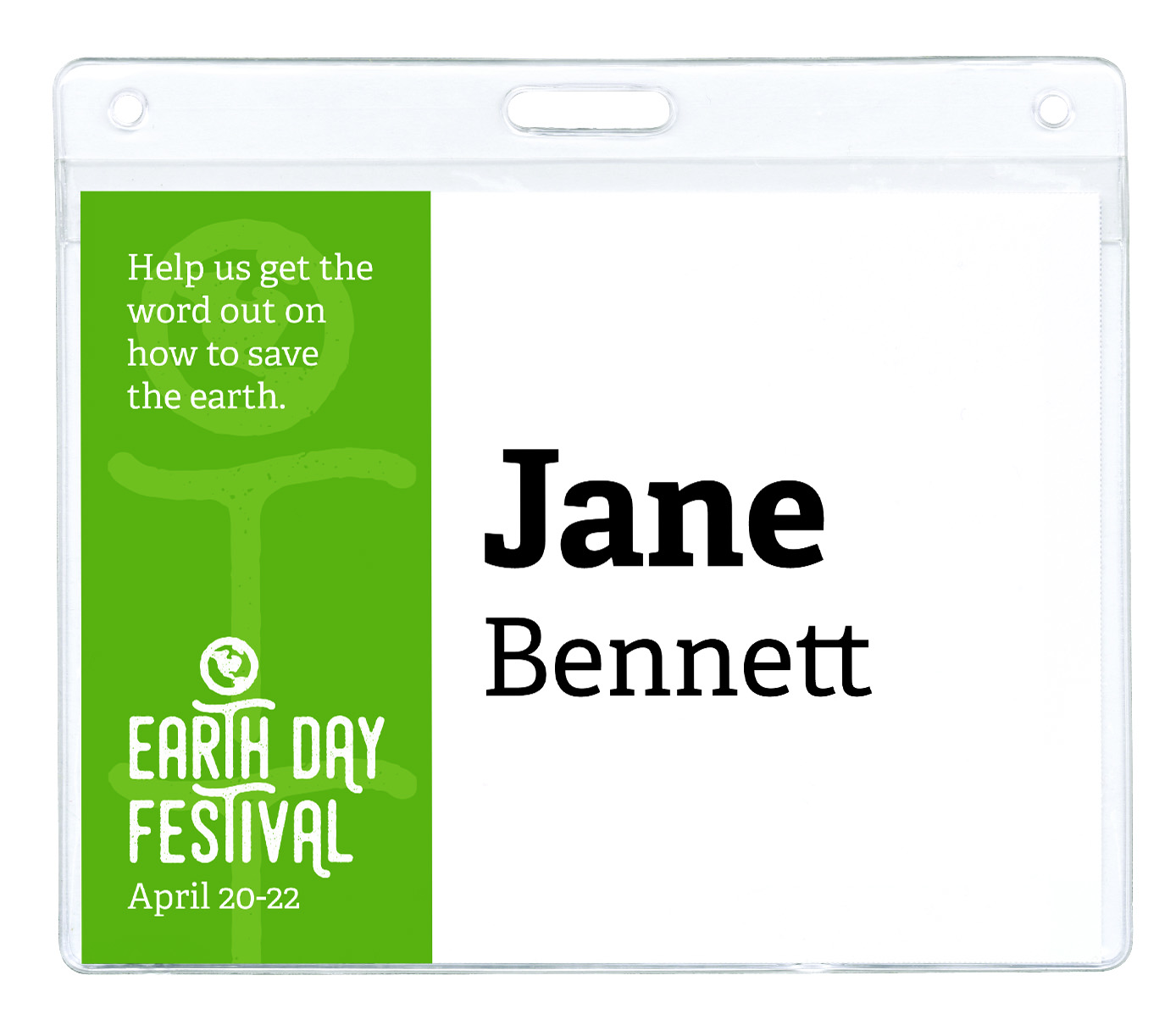
8. I’m new to designing name tag inserts but want them to look great. What’s the easiest way to do it?
Since we doubt you have time to cram design school into your workflow, we’ve done the designing for you with 50 stock full-color design templates for Microsoft Word®. Just search for a style you like, download, add your logo, and follow our Mail Merge instructions. You’ll be ready, and getting compliments for your fine design work in no time!
9. Can I use Adobe InDesign® to create my name tags?
YES! We’ve got Mail Merge instructions for InDesign so you can bring the world’s most powerful design software to bear on your next project!
10. How do I organize my variable content to avoid errors in printing?
Make sure that your data source file is structured so you can include the appropriate fields in your target document. For example, the top row of a spreadsheet should contain the field names that you’ll need to set up the merge in your template, such as “First Name”, “Company”, “Title” and “Company”. You can learn more with our Mail Merge instructions.
What other questions can we answer?
We love our customers and the questions they ask! If you'd like to learn more about pc/nametag products, we're here to help. Leave a comment below and we will get you the answer you're looking for. Then, browse the many other items we have on our website to help make your next meeting meaningful and memorable for everyone who attends.
 pc/nametag
Submit a Comment